Block Building Sandbox Getting Started Guide
Your first hour in Ultimate Block Build — without losing a plot or wasting coins.
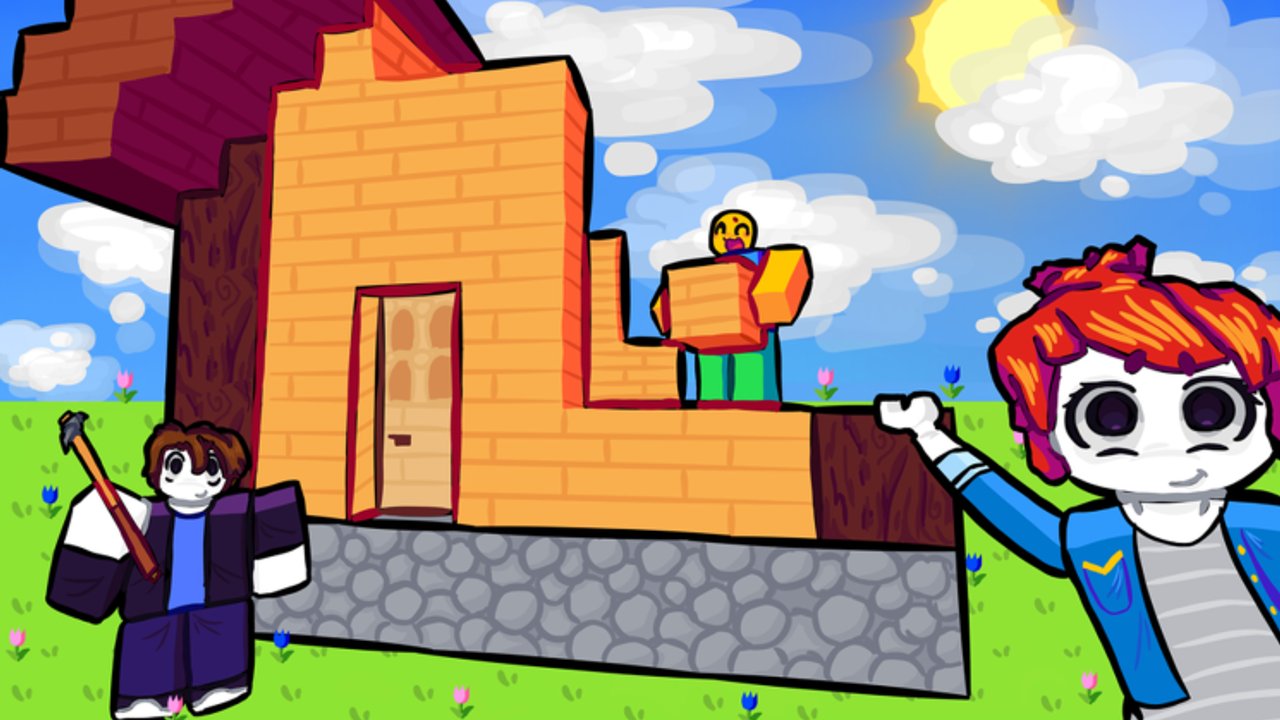
Welcome to Ultimate Block Build
Ultimate Block Build (also called Ultimate Block Build Sandbox; wiki title Block Building Sandbox) is a free Roblox Simulation / Sandbox from Kulebyak Community. You place 150+ blocks, earn coins over time, unlock shop pieces for roughly 1–5 coins, and show builds on public servers or free VIP servers. This beginner guide gets you from first join to a saved starter plot without the usual mistakes.
Play link: Ultimate Block Build (place ID 133083514087477).
Minute 0–5: join and orient
- Launch from the Roblox game page on PC, mobile, or console.
- Land in a server (max 15 players).
- Locate the shop, tools (move / rotate), save control, and daily reward button on the HUD.
- Decide: stay public to tour, or open a free VIP server for a quiet first build.
If the UI feels cramped on a phone, rotate to landscape and skim Controls after this page.
Minute 5–15: claim easy freebies
Do not spend your first coins on random decor yet. Run the free pipeline documented on Free Blocks:
- Like the experience and plan to stay ~20 minutes.
- Follow Rogerbor if the quest UI asks for it.
- Grab Rainbow Block if the shop lists it free.
- Keep an eye out for secret quest prompts while you walk.
There are no working promo codes as of November 2026 — ignore third-party lists and use Codes Hub for status.
Minute 15–30: learn placement safely
- Select a basic structural block.
- Place a small platform — four to nine tiles is enough.
- Practice move and rotate until snapping feels predictable.
- Build a simple wall and doorway so you understand vertical stacking.
- Save for the first time. Earning the You First Save! badge mindset matters even if the badge pops later.
Remember: saves are free but not automatic. Read How to Save before you get ambitious.
Coins without stress
Economy basics you need on day one:
- About 1 coin every 10 minutes of play.
- Daily streak: 3 coins on day 1, up to 15 coins on day 7.
- Shop unlocks mostly 1–5 coins.
That means one focused session can buy a meaningful structural piece if you also claim freebies. Deep dive: Earn Coins. For spend order, trust utility tiers on Best Blocks instead of buying every glowing prop.
Public vs free VIP
| Mode | Best for |
|---|---|
| Public | Touring builds, social proof, quick inspiration |
| Free VIP | Serious layouts, precision work, fewer grief risks |
VIP costs no Robux here — use it. Etiquette tips live on Players. Public servers remain great as a gallery once you have something worth showing.
First-session build goal (keep it small)
Aim for a saved starter shack or platform sculpture, not a mega city:
- Floor plate
- Four walls or a stylized frame
- Roof or accent line (Rainbow if you unlocked it)
- A path marker so you can find the plot again mentally
- Manual save
- Optional daily claim
- Second save before quit
If winter cosmetics interest you, skim Winter Update before reskinning the roof with snow or ice.
Common beginner mistakes
- Building for an hour on public, then leaving without saving.
- Spending early coins on pure decor before walls and floors.
- Hunting codes instead of Like / Follow / quests.
- Ignoring rotate tools and accepting crooked megastructures.
- AFK-only play that risks kicks before the 20-minute Like reward lands.
- Using risky executors on day one — unnecessary when VIP and tools are free; see Scripts Hub.
Next guides in order
Also useful: Guides Hub, Tier List Hub, Updates Hub, Wiki Overview.
Platforms and co-op
Everything runs through Roblox on PC, mobile, and console. Co-op is online multiplayer plus free VIP. Invite friends to a VIP when you want collaborative building without random deletions. Agree who saves, and save after each major contribution.
Mindset for session two
Come back for the daily streak, check whether new free shop offers appeared, and expand the starter shack with one structural upgrade. Consistency beats one long unsafe session. Ultimate Block Build rewards players who treat saves like checkpoints and coins like a slow craft currency — not a race that needs cheats.
You now know enough to play smart: free VIP, manual saves, free-block methods, patient coins, and small finished goals. Everything else on this wiki deepens those habits.
Frequently Asked Questions
Quick answers to the most common questions.
Is Ultimate Block Build free to play?
Yes. The game, VIP servers, and saves are free. Blocks unlock with coins or free quests and offers.
What should I do first after joining?
Find save and shop UI, open a free VIP if you want quiet building, start free-block methods, place a tiny test build, then save.
Are there beginner codes?
No working codes are known as of November 2026. Use the Free Blocks guide instead.
Does it work on mobile?
Yes. The game is mobile friendly. Practice move and rotate tools carefully on touch screens.